Application Removal
Application Removal
How to remove apps that can’t be removed via the Graphical User Interface
If you think this blog post is not about PowerShell then you’re wrong ;-). Today, I was faced the problem that I was not able to remove an app via the GUI. I used the tool “remove apps and features”. The button for the uninstallation was greyed out. So I tried to use PowerShell and it works. Now I will show you how.
First, we need to list all installed app names to find the right one.
Open PowerShell (Windows Key + X + A) with administrative privileges. Hit the keys and enter
Get-AppxPackage | Select-Object -Property Name
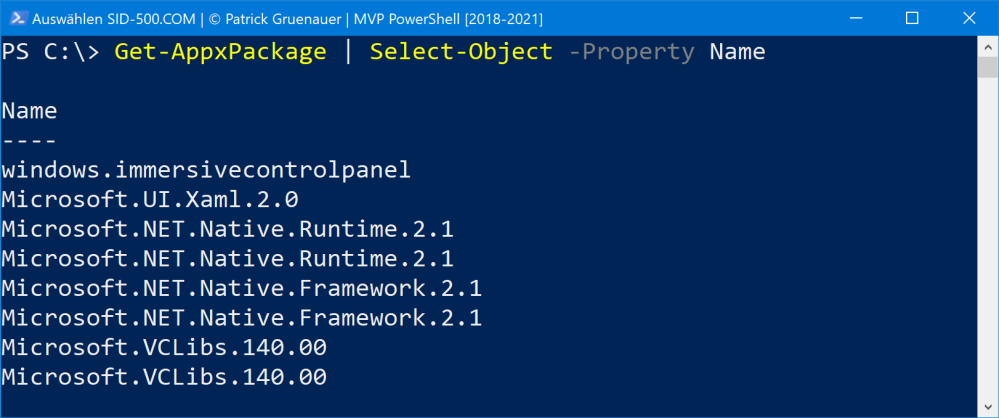
Now find your app.
Next, run the following command and replace the app name with your ones.
Get-AppxPackage -Name Microsoft.HEIFImageExtension | Remove-AppxPackage
Thats’s it.